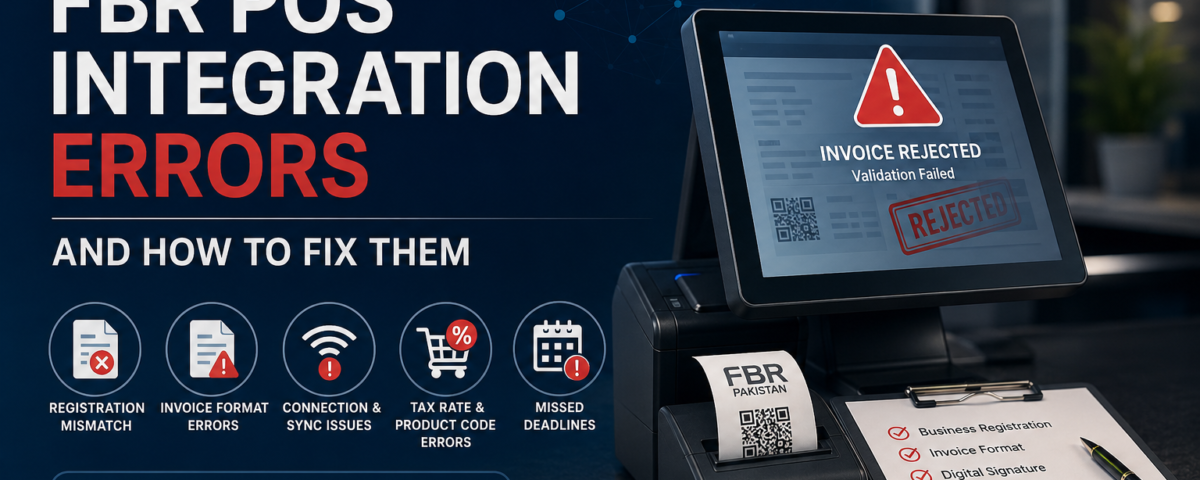
Setting up FBR POS integration should be straightforward, but in practice, many businesses in Pakistan run into technical and procedural roadblocks that delay compliance or trigger penalty notices. From mismatched registration details to failed invoice transmissions, these issues are usually preventable once you know what to look for. A rushed or incomplete POS integration setup is often where the trouble starts, long before FBR ever flags an invoice. This guide walks through the errors business owners encounter most often during and after integration, along with practical fixes for each one, so your system stays compliant without constant firefighting.
Why Integration Errors Happen in the First Place
Most FBR-related POS problems don’t stem from the software itself. They come from gaps in setup, incomplete documentation, or outdated system configurations that were never updated after a regulatory change. Since FBR requires businesses to digitally connect their point-of-sale systems for real-time invoice reporting, even small mismatches between what your POS records and what FBR expects can cause a sync to fail silently, sometimes for days before anyone notices.
This is especially common among businesses that handled integration as a one-time task rather than an ongoing process. FBR periodically updates its technical specifications, invoice schema, and reporting requirements, and a POS system that isn’t actively maintained against those changes will eventually fall out of sync. A detailed integration walkthrough is worth reviewing periodically, not just at setup, since it reflects the sequence and checkpoints FBR currently expects businesses to follow.
Incorrect or Incomplete Business Registration Details
One of the most common errors is a mismatch between your FBR registration record and the details entered in your POS software. This includes:
- NTN or STRN numbers entered with typos or outdated formatting
- Business name variations that don’t match FBR’s official record
- Missing or incorrect branch-level registration for multi-location setups
- Outdated business category or sector classification
Even a single character mismatch can cause invoices to be rejected at the validation stage, and because the rejection message is often generic, it can take hours to trace the actual cause back to a registration field.
Businesses that recently changed their POS provider or expanded to new branches are especially prone to this, since each new location typically needs its own verified registration entry rather than inheriting the parent business’s details automatically. A compliant POS switch done carefully, with registration data cross-checked against FBR’s own records, catches most of these mismatches before they cause rejections down the line.
Invoice Format and Digital Signature Errors
FBR expects invoices in a specific structured format, complete with a valid digital signature and QR code. Errors here usually show up as rejected or permanently “pending” invoices that never confirm, which can be confusing since the sale itself goes through fine on the POS side.
Common causes include missing mandatory fields in the invoice schema, incorrectly generated QR codes, or digital certificates that expired without anyone renewing them in time. Some POS systems also generate invoice formats that were valid under an older FBR specification but haven’t been updated to match the current one. Reviewing the digital invoicing rules is a useful step for teams unsure whether their current invoice template still meets the latest formatting requirements, particularly after any FBR policy update.
Real-Time Connectivity and Data Syncing Failures
FBR integration relies on a stable, continuous connection between your POS and FBR’s servers. When that connection drops, invoices can queue up locally without being reported, creating a backlog that’s easy to miss until an audit or reconciliation flags it. A few things typically cause this:
- Weak or inconsistent internet connectivity at the point of sale
- Server-side timeouts during high transaction volumes, especially during peak hours
- Firewall or network settings blocking outbound API calls to FBR’s servers
- POS software running on an outdated version that no longer syncs reliably
Businesses operating across multiple provinces sometimes assume FBR, KPRA, and SRB integrations work identically, which isn’t the case. Each authority has its own endpoint, data requirements, and validation logic, so a connectivity fix that works for one doesn’t necessarily apply to another. Understanding provincial tax integrations in detail helps avoid configuration errors that only surface once a business expands into a new region and assumes the existing setup will simply carry over.
Incorrect Tax Rates and Product Coding
Sales tax misconfiguration is another frequent source of rejected invoices, and it tends to be one of the harder errors to catch because the invoice often looks correct on the surface. This usually happens when a product is assigned the wrong HS code, an outdated tax rate is applied after a policy change FBR hasn’t widely publicized, or exempt items are incorrectly taxed due to a miscategorized product list.
Retailers with large or frequently changing catalogs are particularly exposed here, since every new product added needs to be mapped correctly rather than copied from a similar item. Online sellers face additional formatting requirements on top of this, and it’s worth checking the current online seller invoicing rules if a business sells through multiple channels, since e-commerce transactions are validated slightly differently from in-store retail sales.
Ignoring Deadlines and Compliance Notices
Some of the costliest errors aren’t technical at all. They happen when businesses delay acting on integration deadlines or ignore early compliance notices from FBR, assuming there’s more time than there actually is. By the time the issue surfaces in an audit, penalties have often already started accumulating, and by then the fix takes longer than it would have originally.
Staying ahead of the current compliance deadlines is one of the simplest ways to avoid this entirely, since FBR typically gives businesses a reasonable window to correct course before fines apply. Treating these notices as early warnings rather than formalities tends to save both time and money.
Getting Integration Right the First Time
Fixing these errors after the fact is possible, but it’s far easier to avoid them with a system built for Pakistan’s compliance requirements from the start. This is where working with a platform like myPOS makes a practical difference, since it’s designed around FBR’s reporting structure rather than adapted for it after launch.
In practice, this means registration fields are validated against FBR’s format before they’re ever submitted, tax rates and HS codes are kept current as policy changes roll out, and connectivity is built to queue and retry failed transmissions instead of silently dropping them. None of this eliminates every possible error, but it shifts most of the burden away from manual tracking and onto the system itself. For a growing business adding new branches or product lines every few months, that difference compounds. Fewer manual checks means fewer opportunities for the small mismatches that cause rejections in the first place.
Final Thoughts
Looking at these errors together, a pattern emerges: almost none of them are caused by FBR’s requirements being unreasonable or unclear. They happen because integration is treated as a one-time setup task rather than something that needs occasional attention as regulations, product catalogs, and business locations change.
The businesses that struggle least with compliance aren’t necessarily the ones with the most sophisticated systems. They’re the ones that revisit their setup periodically, rather than assuming that what was correct at launch is still correct a year later. That single habit, checking registration details, invoice formats, and tax mappings on a regular cycle instead of only after a rejection, is what separates a smooth compliance record from a stressful one.
Frequently Asked Questions
1. What is the most common reason FBR rejects a POS invoice?
Mismatched registration details or incorrect tax rates are the most frequent causes of rejection.
2. Can a weak internet connection affect FBR compliance?
Yes, unstable connectivity can prevent real-time invoice reporting, creating compliance gaps.
3. How often should digital certificates be renewed for FBR integration?
This depends on the certificate issuer, but expired certificates are a common cause of signature errors.
4. Do FBR, KPRA, and SRB integrations work the same way?
No, each provincial authority has its own reporting requirements and technical specifications.
5. What happens if integration errors aren’t fixed before a deadline?
Unresolved errors after a compliance deadline typically result in financial penalties from FBR.
Our team sets up the POS, FBR / PRA integration and staff training for you. Most businesses are live within 1–3 days.