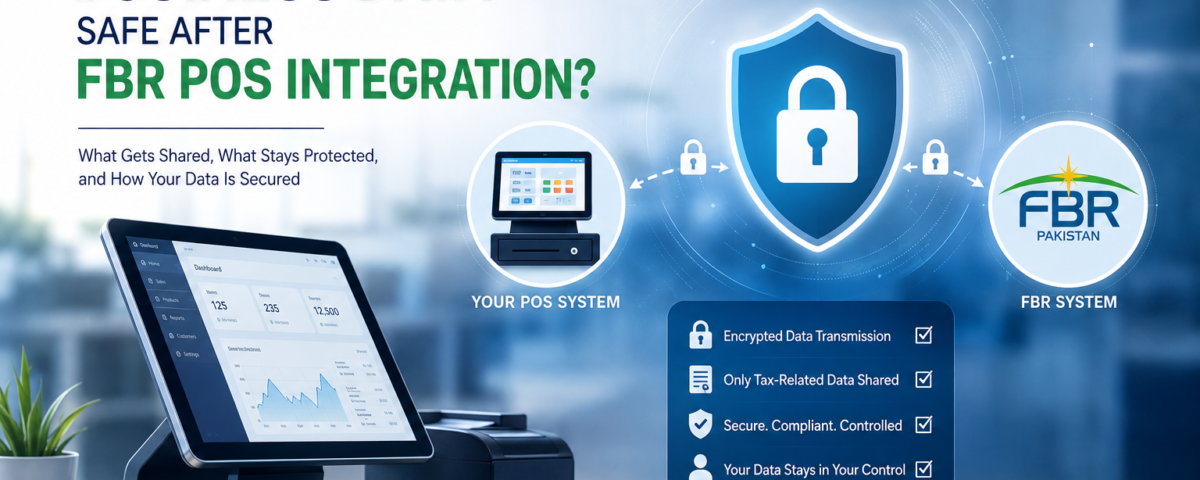
Connecting your point-of-sale system to FBR raises an honest question for most business owners: once your sales data leaves your system, who can see it, and how safe is it really? This is a fair concern, especially when your daily transactions, customer records, and financial history are all tied to the same system.
The short answer is that FBR integration is designed to share only specific tax-related information through a properly structured digital invoicing system, not your entire business database. This guide breaks down what actually happens to your data after integration, and what stays firmly in your control.
What Data Actually Gets Shared With FBR
A lot of the anxiety around POS-FBR integration comes from not knowing what’s being sent in the first place. In reality, the scope is far narrower than most people assume. Here’s what typically leaves your system:
- Invoice number and a unique transaction ID
- Sale amount and applicable tax breakdown
- Date and time of the transaction
- Basic item-level details tied to that specific sale
What does not get shared includes your full customer database, internal stock valuations, staff payroll records, or business banking details. FBR’s system is built around transaction-level tax reporting, not general business surveillance. If your point of sale is configured correctly, only the fields required for tax verification ever leave your system, everything else stays exactly where it was.
How the Data Transmission Is Actually Secured
Every transaction sent to FBR travels through an encrypted API connection, not an open or unprotected channel. Each POS terminal carries a unique identifier that makes transactions traceable and difficult to spoof, and API credentials authenticate your system before any data is accepted on FBR’s end. FBR’s servers log and verify each invoice, creating an audit trail rather than an open, browsable database.
On your side, this is reinforced by whatever security policy your POS vendor maintains, which governs how your data is stored and protected before it ever reaches FBR. This setup is closer to how online banking transactions are processed than to a shared spreadsheet sitting on a public server, and the connection is one-directional and purpose-built for a single function.
Common Myths That Cause Unnecessary Worry
Some of the hesitation around FBR compliance comes from misunderstanding how the system actually functions, rather than any real vulnerability. The idea that FBR can see your entire sales history in real time is inaccurate; they receive individual invoices as they’re generated, not a live dashboard into your daily operations. Similarly, the fear that competitors could access this data doesn’t hold up, tax data submitted to FBR is not public in any form.
Another common assumption is that any staff member with POS access could leak this information, but reporting happens automatically through the system itself, not through manual staff action, which actually reduces the chance of human error. Integration also doesn’t mean giving up control of your data. You still own and store your complete records; FBR only ever receives the reporting layer, not the underlying database.
Where the Real Risk Usually Comes From
If there’s a genuine data safety concern in this process, it’s rarely FBR’s system itself, it’s almost always something on the business side. Weak POS passwords, shared logins passed around between staff, outdated software left unpatched for months, or skipped backups create far more exposure than the encrypted connection to FBR ever does.
Reviewing common integration errors and fixes beforehand can help you avoid the kind of misconfigurations that create these gaps in the first place. Businesses that treat integration as a one-time technical task and then ignore ongoing maintenance are usually the ones that run into trouble later, not because FBR’s system failed, but because their own setup quietly became the weak point.
How Your Broader Business Data Stays Protected
FBR reporting is only one layer of the data your POS handles day to day. Structuring your employee management around role-based permissions ensures only the right people see sensitive reports, which matters just as much for internal data safety as anything tied to compliance.
On the other side of the system, keeping your customer records organized and access-limited protects more than just compliance, it protects customer trust too. None of this is unique to FBR integration, it’s simply good practice for any business running digital records, and integration just adds one more secure channel on top of a system that should already be well managed.
Practical Steps to Protect Your Business Data
A few consistent habits go a long way in keeping your data secure, well beyond what compliance strictly requires:
- Set individual staff logins instead of relying on one shared account
- Keep your POS software updated to patch security gaps as they’re discovered
- Schedule regular data backups, both local and cloud-based
- Review access logs periodically to catch unusual activity early
None of these require deep technical expertise, just consistency. Most POS-related data risks trace back to overlooked basics rather than sophisticated breaches, which means they’re also the easiest ones to prevent, and it starts with getting your POS Integrated with FBR correctly from the outset.
What to Look for When Choosing a Compliant POS
Not every POS handles this responsibility the same way, so it’s worth being selective. A dependable system should manage encrypted API communication correctly and give you clear visibility into what’s shared and what’s stored, rather than leaving you to guess after every sale.
If you’re currently reconsidering your setup or comparing options, a guide on switching to a compliant POS can help you evaluate what actually matters before making a change. FBR POS integration isn’t the data risk it’s often assumed to be, the information shared is limited, encrypted, and purpose-specific, and the real work of keeping data safe mostly comes down to how well a business manages its own side of the system.
Frequently Asked Questions
Does FBR store my complete customer database?
No, FBR only receives transaction-level invoice data, not your full customer records.
Can other businesses see my sales data through FBR?
No, tax data submitted through integration is not shared publicly or with competitors.
Is the connection between my POS and FBR encrypted?
Yes, transactions are sent through a secure, encrypted API connection.
What’s the biggest data risk in FBR integration?
Most risks come from weak POS access controls on the business side, not the FBR connection itself.
Do I still own my business data after integration?
Yes, you retain full ownership and storage of your records; FBR only receives the reporting layer.
Our team sets up the POS, FBR / PRA integration and staff training for you. Most businesses are live within 1–3 days.