

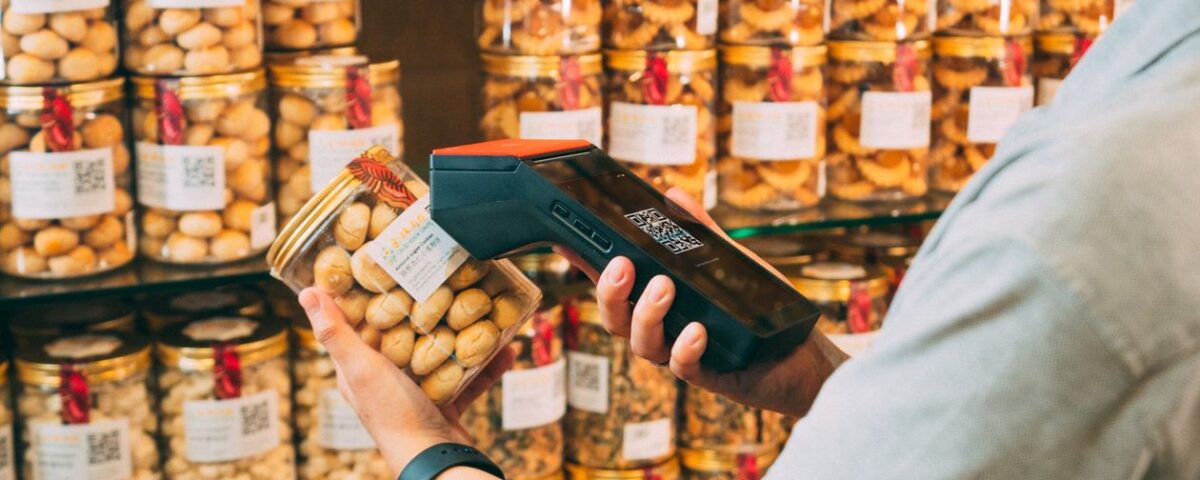
Every retail shop that moves from a register book to a POS system hits the same wall in week one: somebody has to get the products into the software. A store carrying three thousand items cannot be typed in over a weekend, and the shops that try usually end up with a product list full of duplicates, wrong prices, and names that only make sense to whoever entered them. Barcode scanning and bulk product import exist to solve exactly this. Done properly, they turn a month of data entry into a couple of days and give you a catalogue that stays accurate afterwards. Done carelessly, they bake errors into every report your store will produce for years.
Table of Contents
Why Barcodes Matter More Than Owners Expect
Most shopkeepers think of barcodes as a speed feature, something that makes the queue move faster at peak hours. That is true, and on a busy evening it matters. But the bigger effect is on accuracy. When a cashier types a product name or picks from a dropdown, they occasionally pick the wrong one, and nobody notices until a stock count comes up short months later. A scan removes that decision entirely.
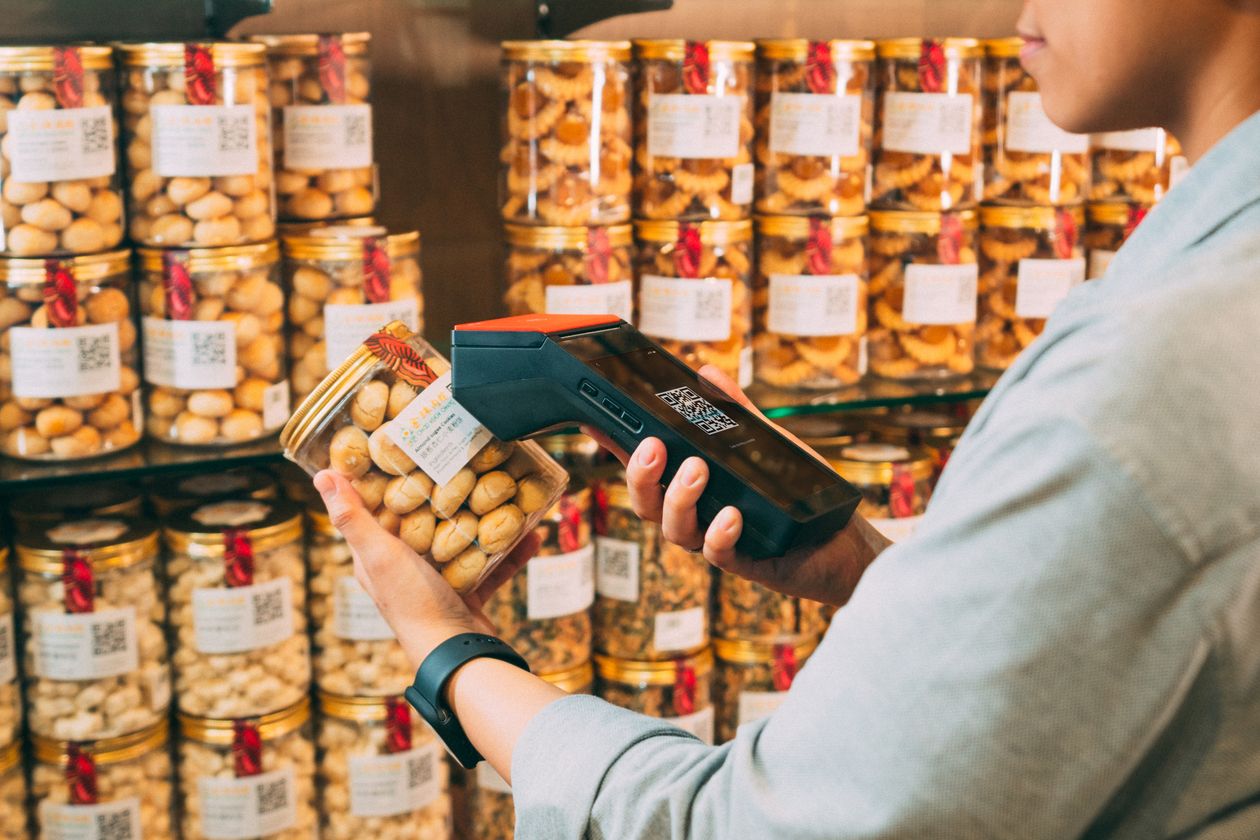
The knock-on effects reach further than the counter. Accurate scanning is what makes stock figures trustworthy, and trustworthy stock figures are what make everything downstream possible: reorder alerts that fire at the right moment, variance reports that mean something, and margin figures you can act on. If you have read our guide to retail inventory management and stock loss, this is the mechanism underneath it. Barcodes are less a convenience than the foundation the rest of the data sits on.
Products That Come With Barcodes, and Products That Do Not
Packaged goods arrive with a manufacturer barcode already printed, usually an EAN or UPC code assigned through the international GS1 barcode standards. For groceries, cosmetics, beverages, and most imported items, you simply scan what is already on the packet and the system stores that number against the product. Nothing needs printing.
Plenty of retail in Pakistan does not work that way. Loose cloth, unbranded garments, bakery items, hardware sold by piece, and anything repacked in the shop arrives with no code at all. For those you generate your own internal barcodes and print labels. Both approaches can coexist in one catalogue without any difficulty, which is the point worth understanding: you are not choosing between them, you are deciding item by item which products need a printed label and which already carry one.
Choosing the Right Scanner for Your Counter
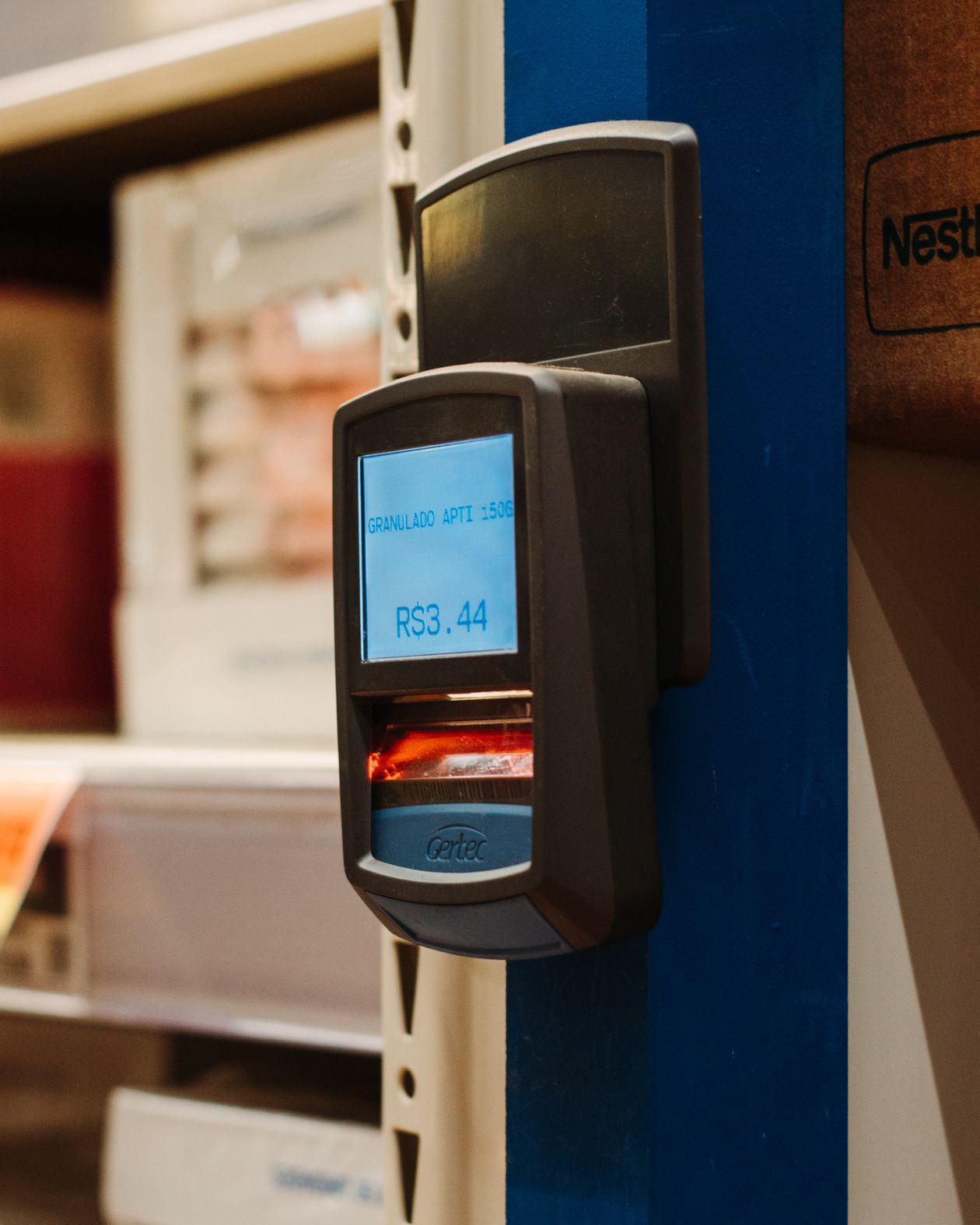
Scanner choice is less complicated than vendors make it sound. The practical differences come down to a few things:
- Laser scanners read standard printed barcodes cheaply and reliably
- 2D imagers also read QR codes and damaged or curved labels
- Wired units are cheaper and never need charging
- Wireless units suit stock counting away from the counter
- Fixed or hands-free stands make sense at high-volume grocery tills
Almost any scanner sold today connects as a keyboard input, meaning it works with a POS system without special drivers. What matters more than the brand is having enough of them. A single scanner shared between a busy counter and a stockroom becomes the bottleneck the whole shop waits on, and a second unit costs far less than the time lost queuing for the first.
Preparing Your Product File for Bulk Import
Bulk import means loading your whole catalogue from a spreadsheet in one operation instead of adding items one at a time. The bulk import feature handles the loading; your job is to hand it a clean file. A workable sheet needs one row per sellable item and, at minimum, columns for product name, barcode, category, purchase price, sale price, opening quantity, and unit of measure.
Naming deserves a few minutes of thought before you start typing. Decide a pattern and hold to it across the whole sheet, because a catalogue where the same brand appears three different ways is a catalogue nobody can search. Put the brand first, then the product, then the size, and keep it consistent throughout. Categories are worth structuring properly at this stage too, since they drive how your sales reports group everything later, and restructuring categories after a year of transactions is considerably more work than getting them right now.
Import Mistakes That Are Painful to Undo

Some import errors are trivial to fix. Others follow the store around for years. The ones worth guarding against:
- The same item entered twice under slightly different names
- Barcode columns that a spreadsheet has silently converted to scientific notation
- Purchase and sale price columns swapped, which inverts every margin report
- Opening quantities copied from an old register rather than a fresh count
- Size and colour variants merged into a single line
The barcode formatting one catches almost everyone. Spreadsheet software treats a long number as a value and reformats it, so a thirteen-digit code arrives in your POS as something unrecognisable and none of those products will scan. Format that column as text before you enter anything. The safest way to work is to import a test batch of twenty or thirty items first, scan a few at the counter, check they ring up at the right price, and only then load the full file. That ten-minute check has saved more implementations than any other habit.
Keeping the Catalogue Clean After Go-Live
A product list is not a one-time project. New lines arrive every month, suppliers change packaging, and prices move. Without a rule about who adds products and how, the catalogue drifts back into the mess the import was meant to clear up.
Two habits keep it under control. First, restrict product creation to one or two people rather than letting every counter user add items on the fly, which is a matter of setting permissions correctly in your retail management system. Second, run a quick monthly check for products with no barcode, no category, or zero sales since creation, since those three lists catch most of what goes wrong. Stores that also handle heavy monthly supplier intake tend to lean on stock management reports for the same purpose, because a new-arrivals check doubles as a catalogue audit.
Conclusion
Barcode scanning and bulk import are the least glamorous part of moving a shop onto a POS system, and the part that determines whether everything after it works. Spend the time on the product file before the import rather than fixing the catalogue afterwards, test a small batch before loading everything, and decide early who is allowed to add products. Get that right and the system stays accurate on its own; get it wrong and you will be correcting the same data for years.
If you already have a product list in a spreadsheet and want to know whether it is import-ready, myPOS can review it for you — send it over and we will tell you what needs cleaning before anything is loaded.
Frequently Asked Questions
Do I need to print my own barcodes?
Only for items that arrive without one, such as loose, unbranded, or repacked goods. Packaged products already carry a manufacturer code you can scan directly.
What file format is used for bulk product import?
A spreadsheet, usually CSV or Excel, with one row per product and a fixed set of columns matching the template your POS provides.
How long does importing a few thousand products take?
The upload itself takes minutes. Preparing and cleaning the file is the real work, and for a mid-sized shop that is usually a few days.
Can two products share the same barcode?
They should not. A duplicate code means the system cannot tell the items apart, so stock and sales figures for both become unreliable.
What kind of barcode scanner works with a POS system?
Almost any USB or Bluetooth scanner works, because they register as keyboard input. Choose a 2D imager if you also need to read QR codes.