
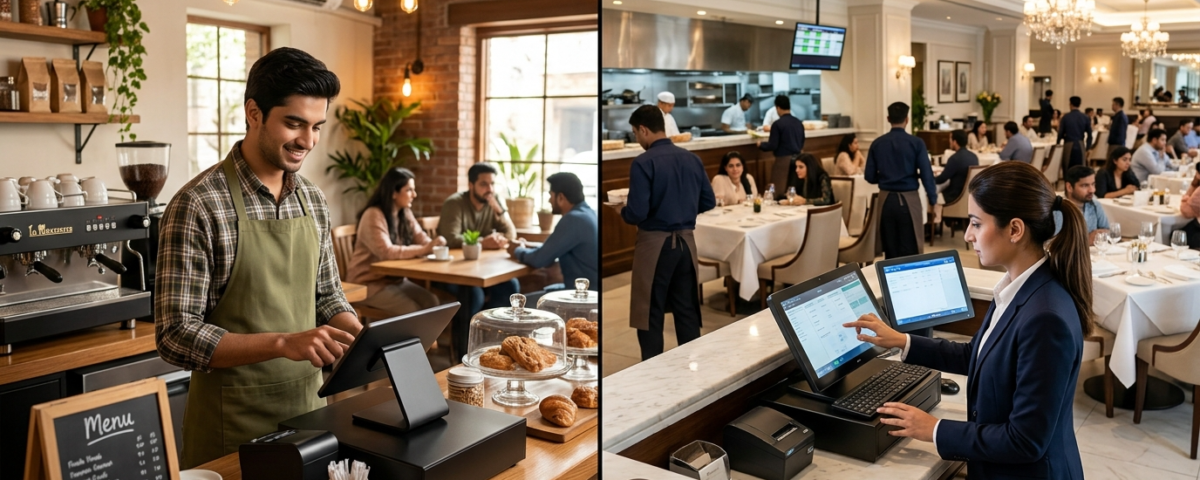
Running a single-location café in Lahore is fundamentally different from operating a 15-branch restaurant chain across Karachi, Islamabad, and Faisalabad. Yet many hospitality business owners in Pakistan make the same mistake when choosing their point-of-sale technology: they pick a system designed for a business size that doesn’t match their own.
Whether you’re brewing specialty coffee for a loyal neighborhood crowd or managing high-volume dining floors across multiple cities, the right billing and management technology can make the difference between thin margins and sustainable growth. Modern advanced POS solutions for restaurants now offer specialized features for both ends of the spectrum, but understanding which capabilities matter most for your business model is the first step toward making a smart investment.
Why Café and Chain Operations Need Different POS Approaches
A small café typically handles 50 to 200 orders per day, manages a focused menu of 20 to 40 items, and operates with a tight team of three to eight staff members. Decision-making is centralized, inventory turnover is fast, and the owner is often present on the floor.
Compare that to a restaurant chain with multiple outlets. You’re dealing with thousands of daily transactions across locations, complex menu variations by branch, centralized purchasing with local distribution, multi-tier staff hierarchies, and the constant challenge of maintaining consistent service quality across distant outlets.
According to industry research from the National Restaurant Association, restaurants leveraging integrated technology platforms see measurable improvements in order accuracy and table turnover times. But the technology stack required to achieve those results looks very different depending on whether you operate one location or fifty.
What Small Cafés Actually Need from a POS System
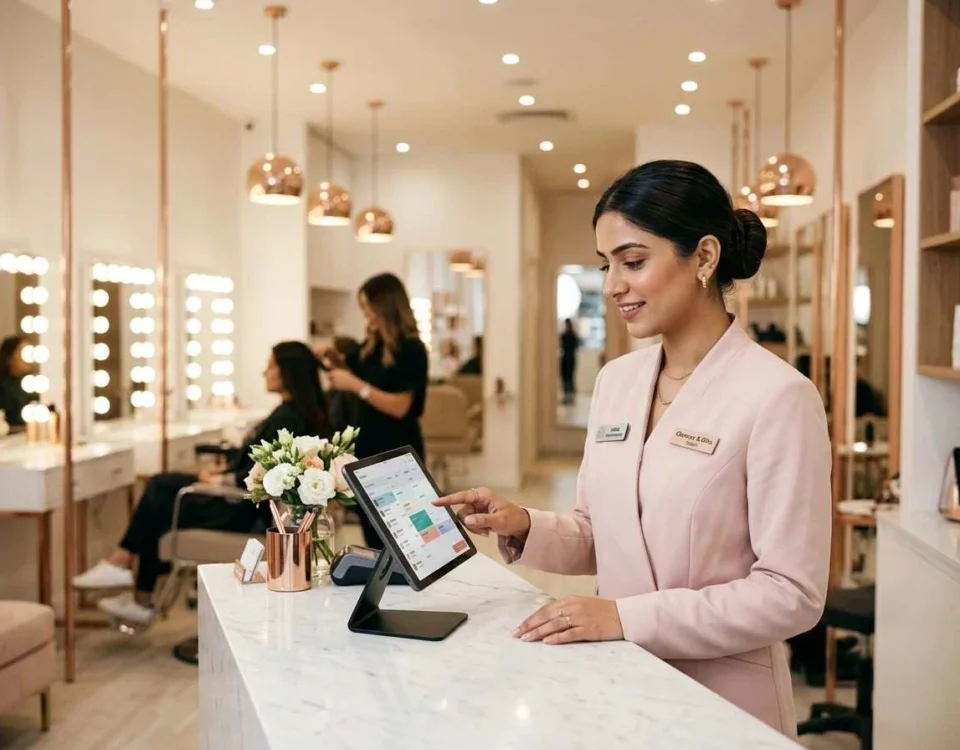
For café owners, simplicity wins. The ideal billing software for a small café focuses on speed, ease of use, and affordability rather than enterprise-grade complexity.
Essential Features for Café Operations
Fast order processing is non-negotiable. During peak morning rush, your barista shouldn’t be fumbling through complicated menu screens. Look for a system with customizable quick-access buttons for your top-selling items, modifier options for milk types and add-ons, and split-payment capabilities for groups.
Simple inventory tracking helps you avoid the classic café problem of running out of oat milk on a Saturday morning. A good POS for cafés tracks ingredient-level consumption, alerts you when stock dips below set thresholds, and integrates with your supplier ordering process.
Customer loyalty tools matter enormously for cafés that thrive on repeat business. Built-in loyalty programs, customer profiles, and basic CRM features turn occasional visitors into regulars.
Affordable pricing structure is critical. Small café owners shouldn’t pay for features designed for hotel chains. The right system offers tiered pricing that scales with your business. For a deeper look at what really matters when evaluating options, see this guide on choosing restaurant software.
Where Cafés Often Go Wrong
Many café owners either choose a cash register that’s too basic to support growth, or they overpay for enterprise software loaded with features they’ll never use. Another common pitfall is sticking with manual billing methods for too long. The sweet spot is a smart billing system for restaurants that handles current needs while leaving room to add modules later, such as online ordering integration, delivery management, or kitchen display systems.
What Large Restaurant Chains Require
Chain operations face an entirely different set of challenges. The technology stack must support standardization across locations while allowing each branch to operate efficiently.
Multi-Location Management
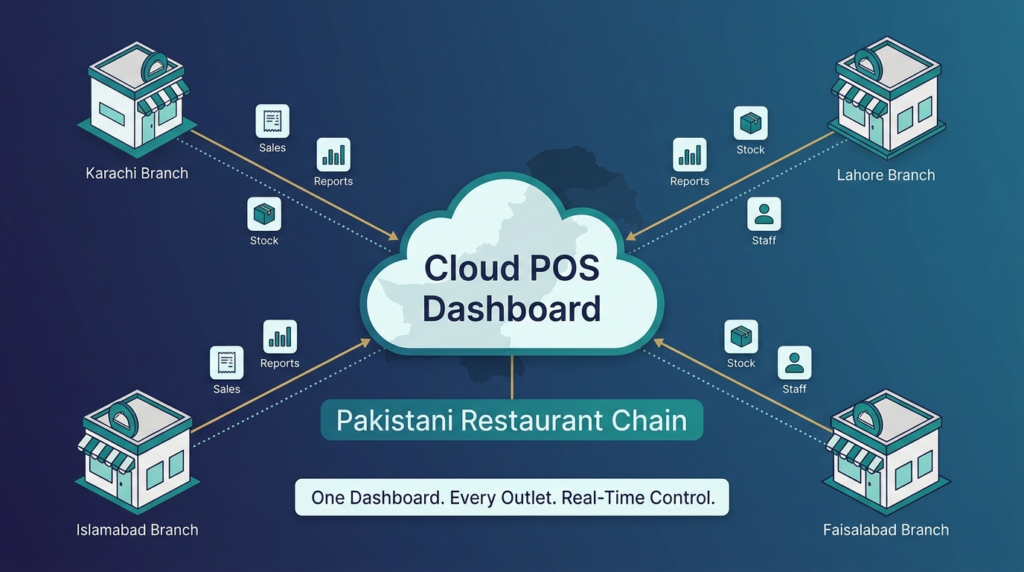
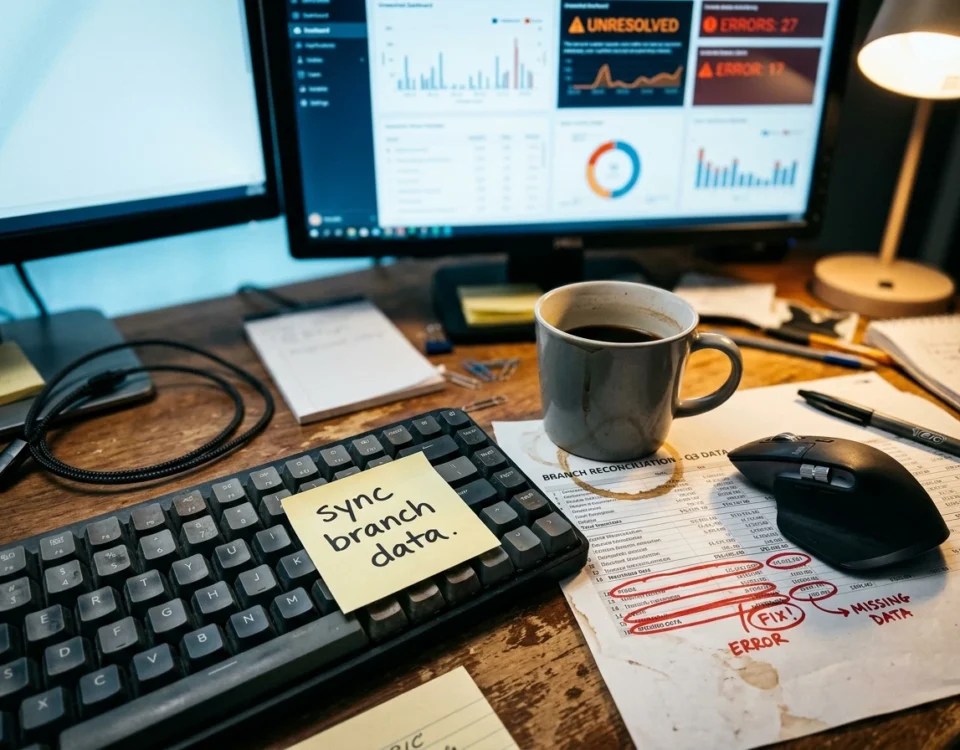
Centralized control is the defining requirement. Headquarters needs real-time visibility into sales, inventory, and staff performance across every outlet. This means cloud-based architecture is essentially mandatory for chains. Without it, you’re stuck consolidating reports manually from each location, which kills your ability to respond quickly to operational issues. If you’re weighing the trade-offs between deployment models, this comparison of cloud POS vs traditional POS is worth reading.
A capable chain-level system provides consolidated dashboards, branch-level performance comparison, centralized menu and pricing management with location-specific overrides, and unified customer databases across all outlets.
Enterprise-Grade Inventory and Procurement
Chain operations typically run centralized purchasing to negotiate better supplier rates, then distribute inventory to branches. Your POS must support inter-branch stock transfers, central kitchen management for commissary operations, recipe-level cost tracking across locations, and automated reorder workflows that account for delivery schedules to different cities.
Advanced Reporting and Analytics
Multi-outlet chains generate massive data volumes. The right system transforms that data into actionable intelligence: which branch has the highest food cost percentage, which menu items underperform in specific markets, what staffing patterns correlate with revenue spikes, and how promotional campaigns perform across different demographics.
Integration Capabilities
Large operations need their POS to talk to other business systems: accounting software, HR and payroll platforms, third-party delivery apps like Foodpanda and Careem, and sometimes proprietary ERP systems. Open APIs and robust integration support separate enterprise-ready solutions from basic billing tools. A complete rundown of top restaurant POS features gives a useful checklist for chain operators evaluating vendors.
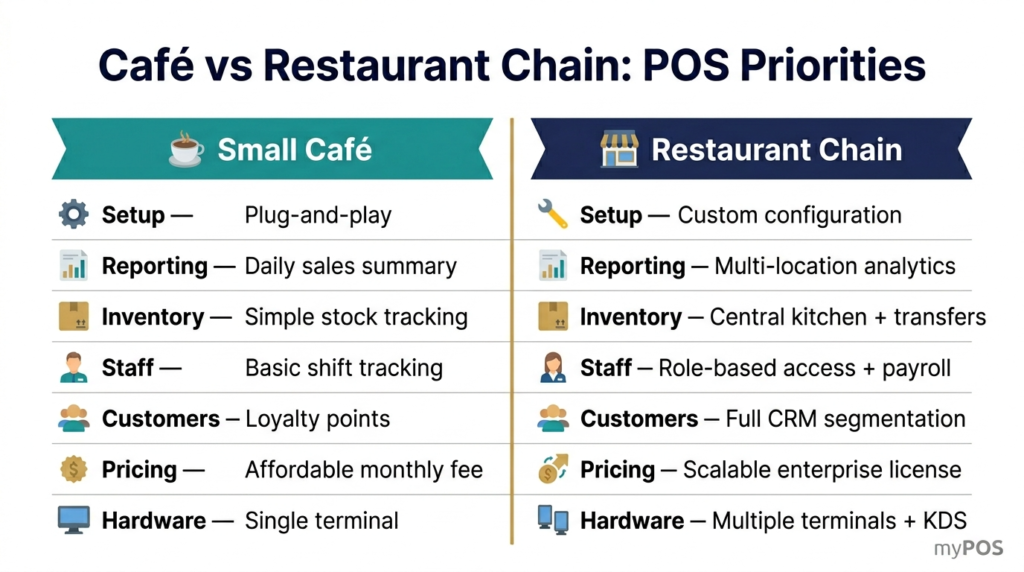
Side-by-Side: Café vs Chain POS Priorities
| Feature Area | Small Café Priority | Large Chain Priority |
| Setup Complexity | Plug-and-play | Custom configuration |
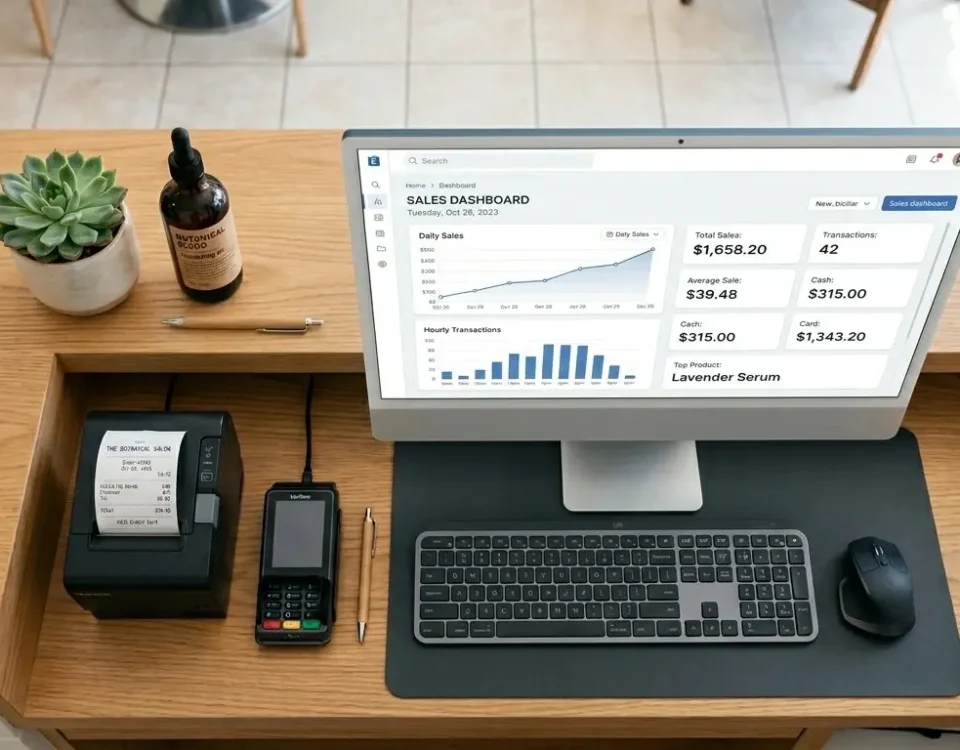
| Reporting | Daily sales summary | Multi-location analytics |
| Inventory | Simple stock tracking | Central kitchen + transfers |
| Staff Management | Basic shift tracking | Role-based access, payroll integration |
| Customer Data | Loyalty points | Full CRM with segmentation |
| Pricing Model | Affordable monthly fee | Scalable enterprise licensing |
| Hardware Needs | Single terminal | Multiple terminals + KDS per branch |
Cloud-Based vs On-Premise: Which Suits Your Model?
Cloud-based platforms have become the default choice for most Pakistani hospitality businesses, and for good reason. They offer remote access, automatic updates, lower upfront costs, and built-in data backup. For chains, cloud architecture is practically essential.
That said, some café owners in areas with unreliable internet connectivity still prefer hybrid systems that operate offline and sync when connectivity returns. The best modern POS platforms offer both options, ensuring your operations continue smoothly even during connectivity disruptions. Operators dealing with recurring invoice or transaction issues will also find practical fixes in this guide on restaurant billing problems.
Why Local Context Matters for Pakistani Operators
International POS brands often miss critical local requirements. Pakistani hospitality businesses need software that handles Urdu language receipts, supports local payment methods like JazzCash and Easypaisa, generates FBR-compliant invoices where required, and offers support during Pakistan business hours.
This is where locally developed solutions hold a clear advantage. For a deeper look at what makes a hospitality platform genuinely fit for the local market, read about best Pakistani restaurant POS. To explore myPOS solutions built specifically for Pakistani cafés and restaurant chains, including features for multi-branch management, local payment integration, and Urdu-language support, visit our main platform overview.
Frequently Asked Questions
What POS system is best for small cafés in Pakistan?
A simple, affordable POS with fast order entry, basic inventory tracking, loyalty features, and room to scale is best. Avoid expensive enterprise tools early on.
Can restaurant chains use cloud-based POS systems reliably?
Yes. Cloud POS systems are widely used by chains because they offer real-time control across locations. Most also work offline and sync data when internet returns.
How much does a POS system cost in Pakistan?
Costs vary. Small café systems may start from a few thousand rupees per month. Advanced multi-location systems cost more depending on features and integrations.
What features should restaurants look for in a POS solution?
Look for fast billing, payment processing, inventory tracking, staff management, loyalty tools, and reporting. Integration with kitchen displays and online ordering is also useful.
Is POS software suitable for multi-location restaurant operations?
Yes, if it supports centralized menu control, multi-branch reporting, inventory transfers, user roles, and accounting integration.
How long does it take to implement a new POS system?
Small cafés can go live in a few days. Larger chains usually need 4 to 8 weeks for setup, training, and system integration.Top of Form
Bottom of Form